Robotics Courses
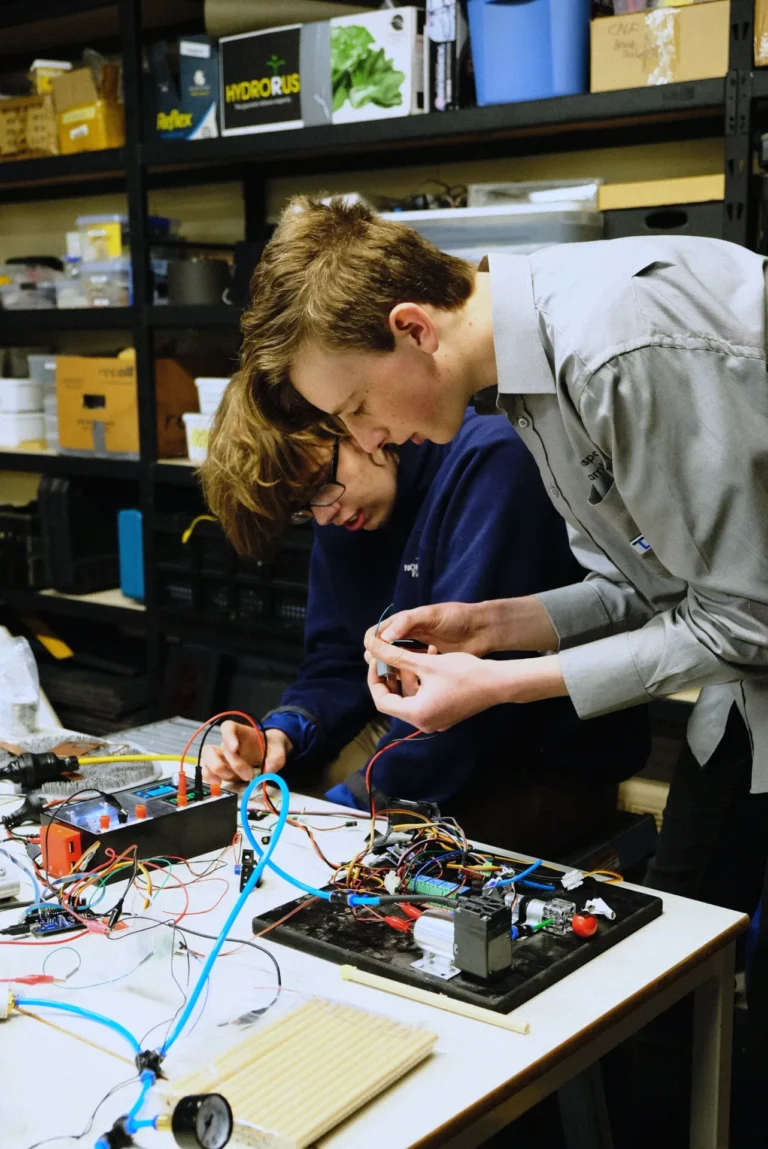
Six-week courses from Fundamentals to Advanced.
Take a look →
Robotics Club
Build your own projects with mentors on hand.
School Holidays & Events
Hands-on robotics workshops & courses in the school holidays.
Groups & more
Arduino Kits
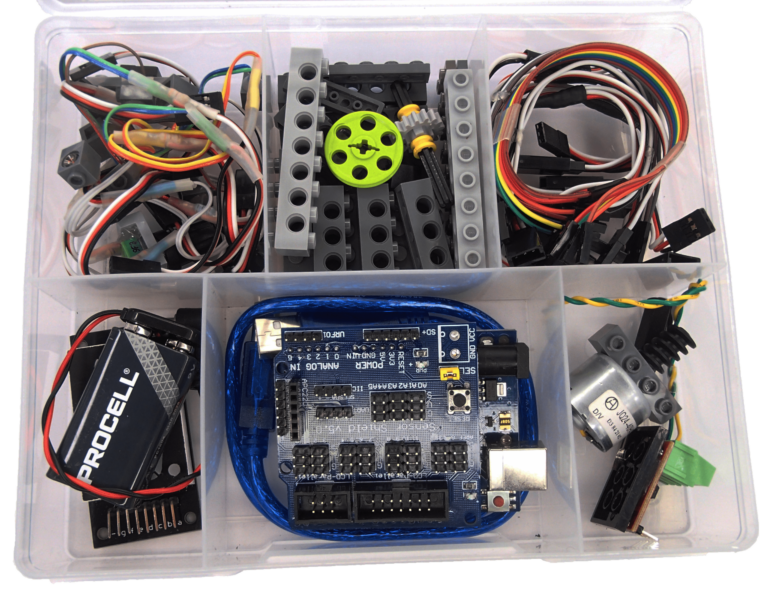
Everything you need to start building at home.
Donduino
Our own Arduino-compatible board.
Components
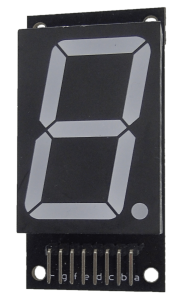
Sensors, displays, motors and more.
Shop by type
Fundamentals Projects
12 projects to start with: traffic lights, counters, games and more.
See the projects →
Intermediate Projects
Sensors, motors and bigger builds, in ArduBlock and C++.
Advanced Projects
Our most challenging builds. Write-ups coming soon.
More resources
Software, guides and every worksheet from our courses, free to download. Search for a project or use the quick links to browse by course.
The free program for writing and uploading code
TechSpace Learning edition, for Windows (ZIP)
Needed for the LCD projects
How to add the library to Arduino
Nothing matches that search. Try a part name like servo, LED or LCD.
All 12 projects from our two Fundamentals courses, each with ArduBlock and C++ downloads. Photos for the newer projects are on the way.
Build a set of traffic lights with a button that lets pedestrians cross safely.
ArduBlockPedestrian Crossing
C++ Coming soon
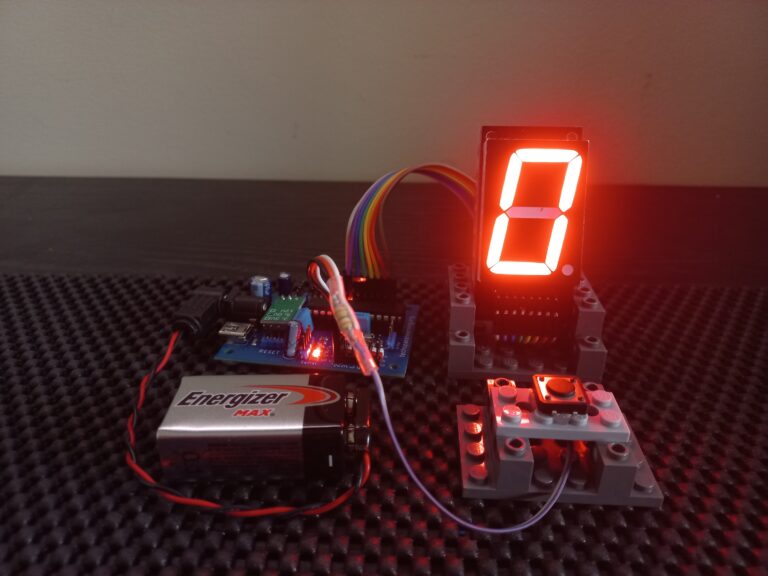
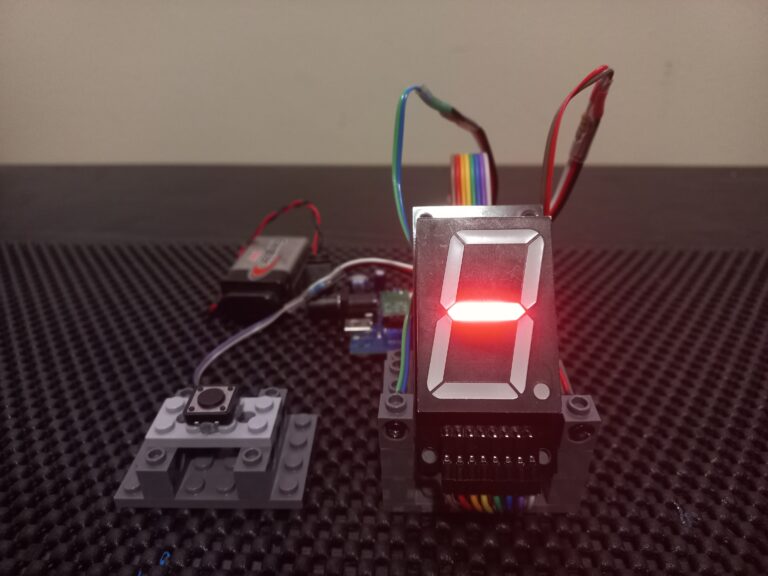
Count up and down on a big red 7-segment display.
ArduBlock7 Segment 1
Set off an alarm when someone breaks a beam of light.
ArduBlockBurglar Light Alarm
C++Coming soon
Turn a knob to speed up and slow down a motor.
ArduBlockSpeed Controller
A reaction game: press the button at just the right moment to catch the light.
ArduBlockCatch The BitCatch The Bit Build Diagram
Program a robot to follow a line along the floor.
ArduBlockLine FollowerBuild Instructions
Press a button to roll an electronic die.
ArduBlockElectronic Die
C++Electronic Dice 1Electronic Dice 2Electronic Dice 3
Program a model washing machine to run through its cycles.
ArduBlockWashing MachineWashing Machine Build Diagram
Use a sensor to detect marbles as they roll past.
ArduBlockComing soon
Build a lock that only opens when the right code is entered.
C++Electronic Lock A
We’re finalising this project. It’ll appear here soon.
Build a robot that follows a line using just one sensor.
All 12 projects from our two Intermediate courses, each with ArduBlock and C++ downloads. Photos and the remaining downloads are on the way.
Find out how quickly you can react.
ArduBlockReaction Tester
Build a counter that keeps track and shows the number.
Build a timer that counts down and tells you when time’s up.
ArduBlockTimer
Measure distance to help park a car, then play it like a theremin.
ArduBlockParking Tool
Build a robot that uses an ultrasonic sensor to find its way around obstacles.
Explore how gears change the speed and strength of a motor.
Build a vault that only opens with the right code.
Upgrade the burglar alarm with a speaker that sounds when someone gets in.
Pick up signals from a remote control with an infra-red receiver.
Send your own infra-red signals, like a TV remote.
Drive your own robot by remote control.
12 Advanced projects, each with ArduBlock and C++ downloads.
We’re writing up the Advanced projects now. They’ll appear here as each one is ready.
Start-up guides and cheat sheets.
Start here: how ArduBlock works and how to install it.
How each of our components plugs into the sensor shield.
What to check when your project won’t upload or won’t work.
A one-page cheat sheet of the most-used ArduBlock blocks.
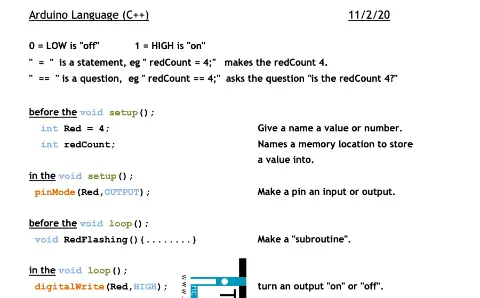
The most-used Arduino C++ commands on one sheet.
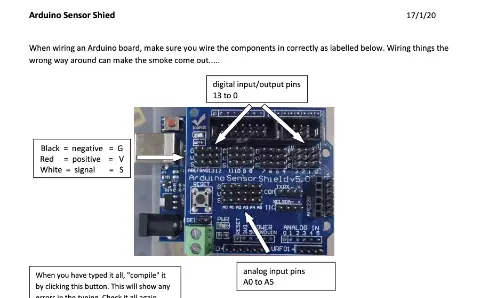
A map of the sensor shield’s pins and what each one does.
Quick reference sheets that explain how things work.
The table of letters and symbols as numbers, used in coding.
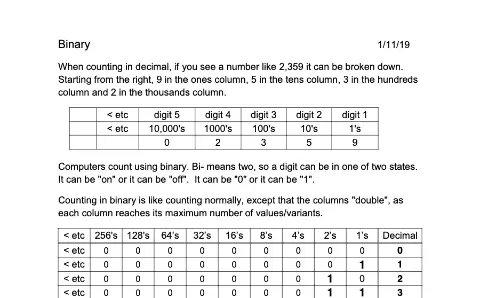
How computers count using only 1s and 0s.
How our components are set up and connected.
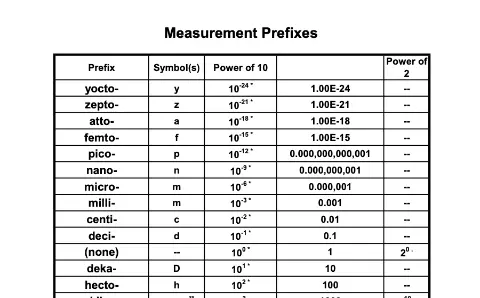
Milli, micro, kilo and mega explained, with examples.
How pulse-width modulation dims LEDs and controls motor speed.
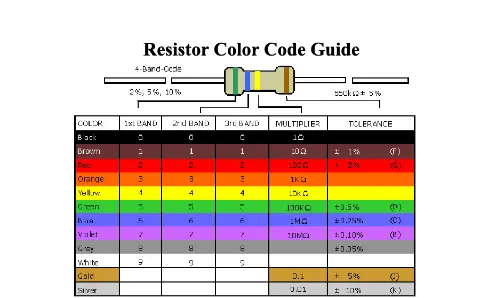
Read a resistor’s value from its coloured bands.
How servo motors know which angle to turn to.
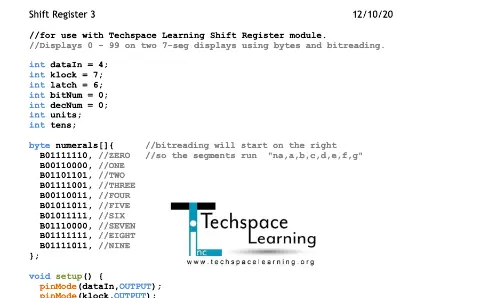
How a shift register lets a few pins control lots of outputs.
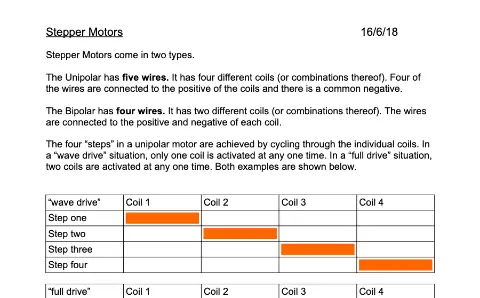
How the stepper motor driver board works.
Drive a stepper motor in small, precise steps.
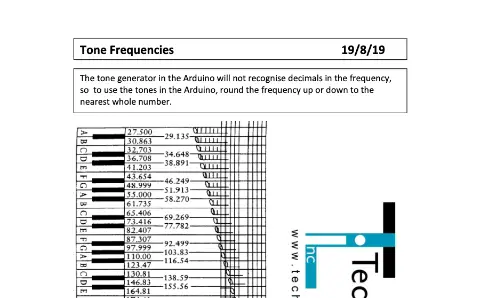
Which frequency makes which musical note.
How to wire a transistor to switch bigger loads.
Send signals wirelessly with the 433 MHz transmitter and receiver.
Our earlier worksheets in ArduBlock and C++. We’re rewriting these, so some may not match what we teach in class today.
Flash LEDs on and off in patterns and learn how timing works.
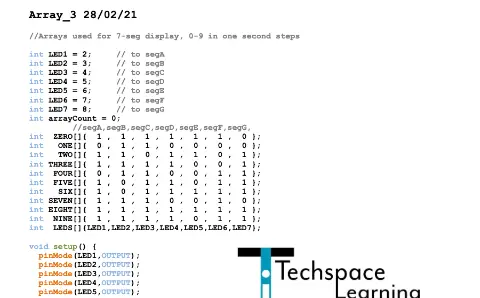
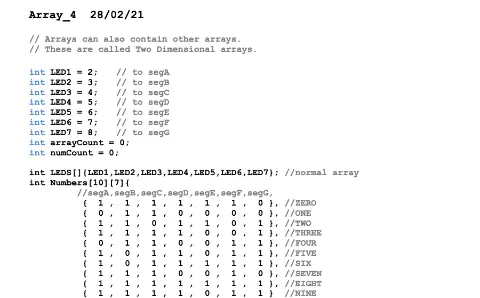
Store a sequence in an array and play it back on the LEDs.
Read single bits of a number to switch outputs on and off.
Read a temperature sensor and turn the reading into degrees.
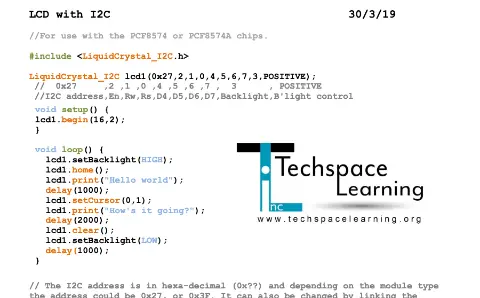
Write your own messages and numbers on an LCD screen.
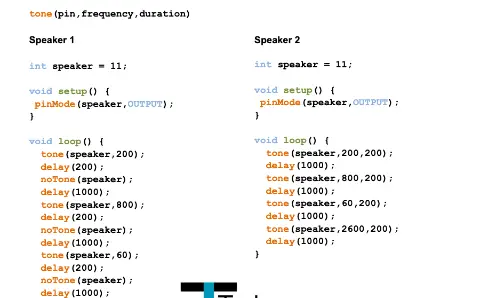
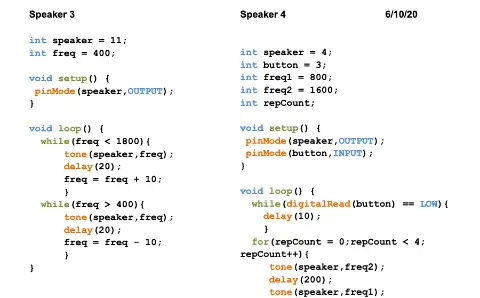
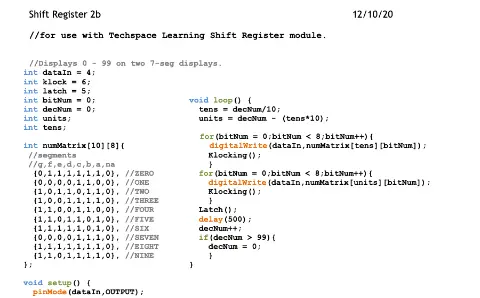
Play notes and simple tunes through the mini speaker.
Use a potentiometer to set the angle of a servo motor.
Light up more LEDs with fewer pins using a shift register.
Build an electronic lock that only opens with the right code.
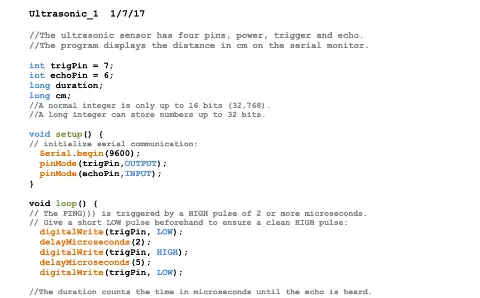
Measure distance using the ultrasonic sensor, like a bat.
Write messages on an LCD screen using just two wires (I2C).
Make sounds and melodies with the speaker.
Measure distance with the ultrasonic sensor and show it on the LCD.